

From capturing content automatically to benchmarking influencer performance, Companion is the comprehensive tool for your influencer marketing campaigns.
Welcome to the Companion Help Centre
Influencer Connection
Having issues with Connecting your influencers to Companion? Here are some useful guides to help you get started!
- How to Connect for Instagram
- How to Connect for TikTok
- Talent is Struggling to Connect – What Do the Error Responses Mean?
- Talent is Hesitant to Connect – How Can I Navigate This?
Should you need further help in Connecting on Companion, let us know in the Feedback Channel!
Setting Up Your Companion Account
Companion is mostly a self service tool, so please see the below for guidance on how to create user accounts:
- How to Create a Client Account
- How to Add Users to a Client Account
- Someone New has Joined my Team – How to Add a User to Companion
The links above will help you create a database that works for you, enabling you manage your influencers and campaigns by categories, and for those requiring specific information on their influencers such as shoe size, preferred make up shades, etc. the links will show you how to set up your account to allow you to add and manage those all important information!
Influencer Database
Your Influencer Database is where you will store all information on the influencers you work with, as well as potential influencers you will work with. You can have as many influencers in your Database as you need – from 100 to 1000 – and you can manage them all in one place.
Here are a list of articles to help you get started in managing your Influencer Database:
Campaigns
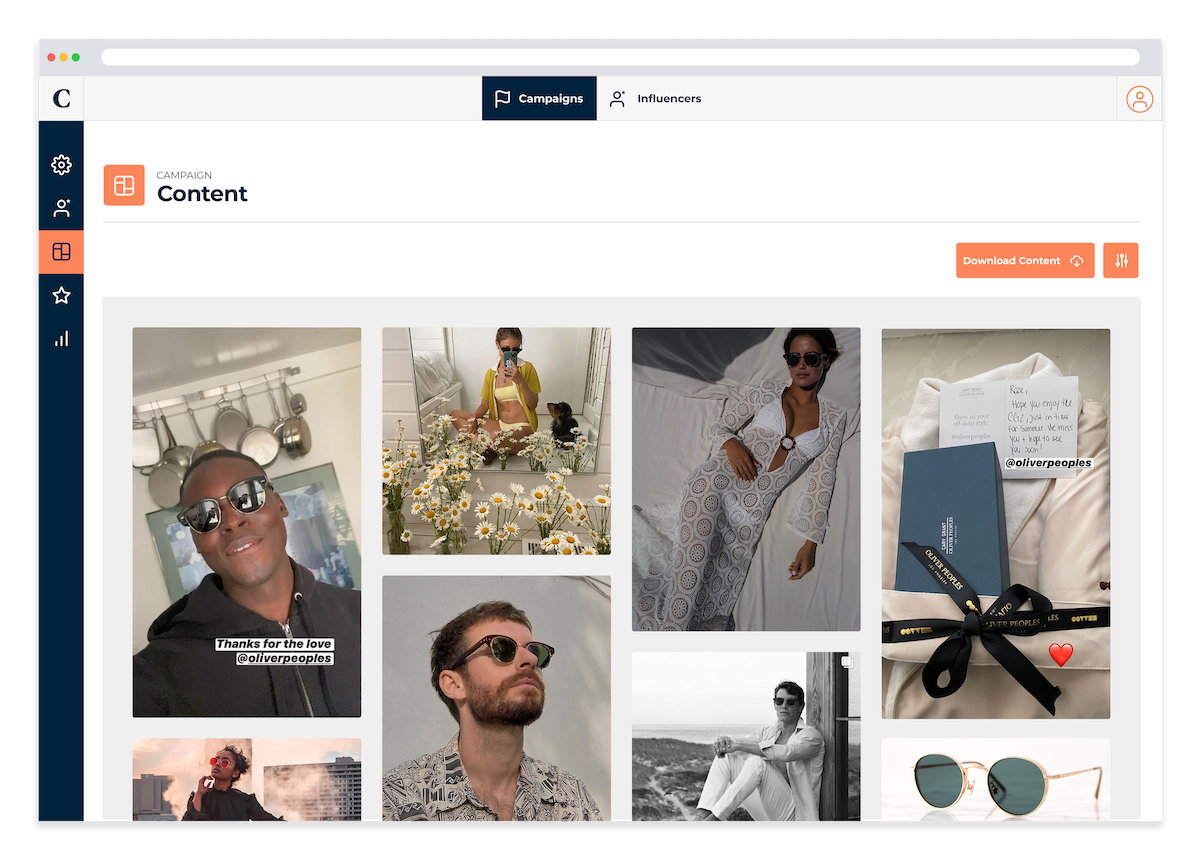
The Campaign section is where it all happens! This is your one stop shop to manage your campaigns – be it gifting, events, paid partnerships – and capture all social media content automatically, saving you lots of time & effort! To make the most of Companion’s capabilities, you can look at the below articles:
- How to Create Folders
- How to Create a Campaign
- The Influencer List
- Where to Find Your Campaign Content
- My Influencer Forgot to Tag the Brand – the Content Tracker & How It Works
- Campaign Analysis
- Benchmark Value (BMV)
- Can I Download Content From Companion?
- I Need to Present my Campaign’s Performance – How to Download a Campaign PDF Report