
Downloading a PDF report to showcase your campaign performance is super easy!
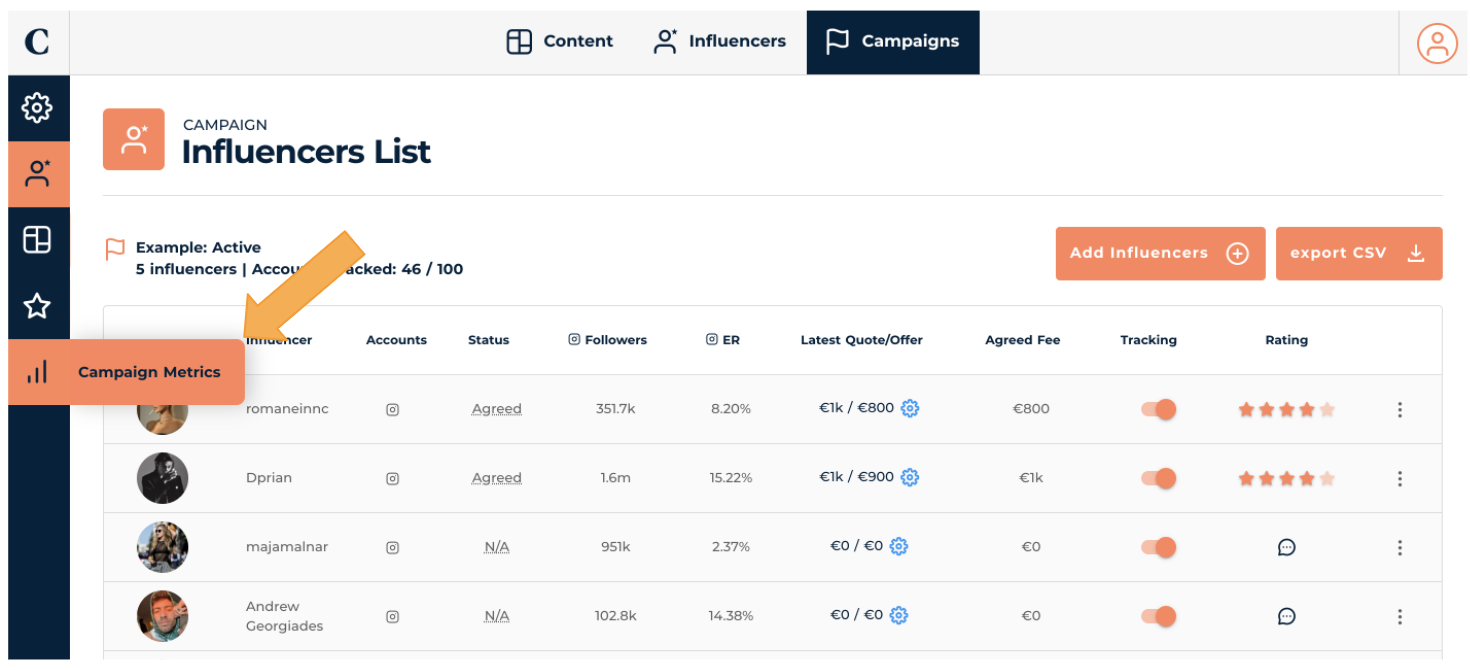
- Find your Campaign and click the Campaign Metrics tab
Downloading a PDF report to showcase your campaign performance is super easy!
2. Click Reports. A pop up will appear and select Generate New Report. This will download a report showcasing the performance of your campaign as well as every content posted
