
Companion’s Influencer Profiles allows you to review, and run any due diligence you may need to do prior to contracting or putting talent forward for campaigns. Let’s find out what you can gain from using our Profiles feature
Influencer Profiles
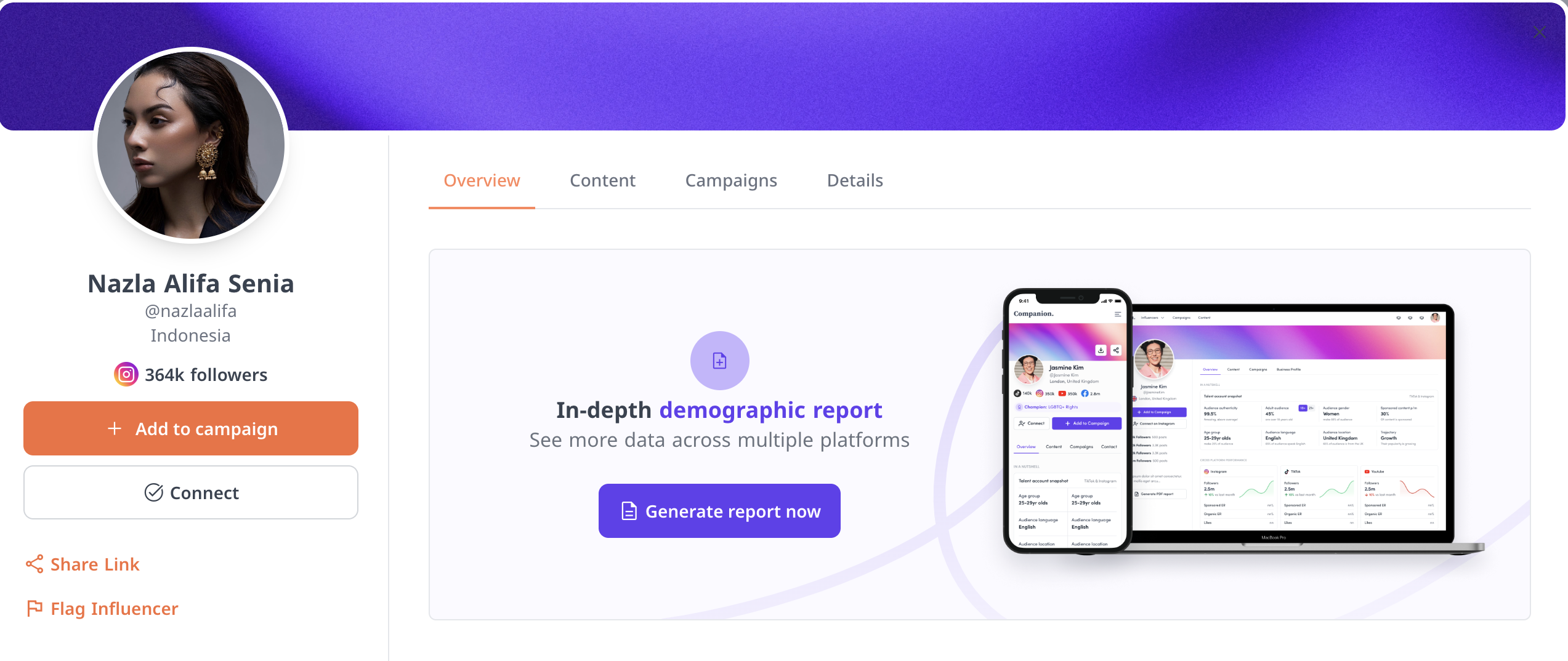
Adding talent will automatically generate a Profile pop up and allow you to generate an in depth demographic breakdown report of your talent. This report will show you a breakdown of their followers by age breakdown, location and more. Companion is now also able to run demographic reports for TikTok and YouTube. This will enable you to see the combined stats of the platforms you add or see individual stats using the navigation bar at the bottom of the screen.
Can’t generate a report? Speak to your Companion representative for assistance.
What can you find out in the Overview page?
- audience breakdown
- performance by platform
- past content
Next – the Content tab! This will show you:
- the latest content they posted
- the platform on which they have the most influence
- find previous sponsored content
- look for content by brands and keywords
- content performance

Next? Campaign tab! This will tell you:
- influencer performance in previous campaigns
- fees of previous campaigns
- content posted in previous campaigns and how they performed
Don’t forget! You can also use Profiles to flag any talent you’ve had a terrible experience with, as well as download a more in depth report of their demographic breakdown using the Download PDF Report button.