
To find your campaign content:
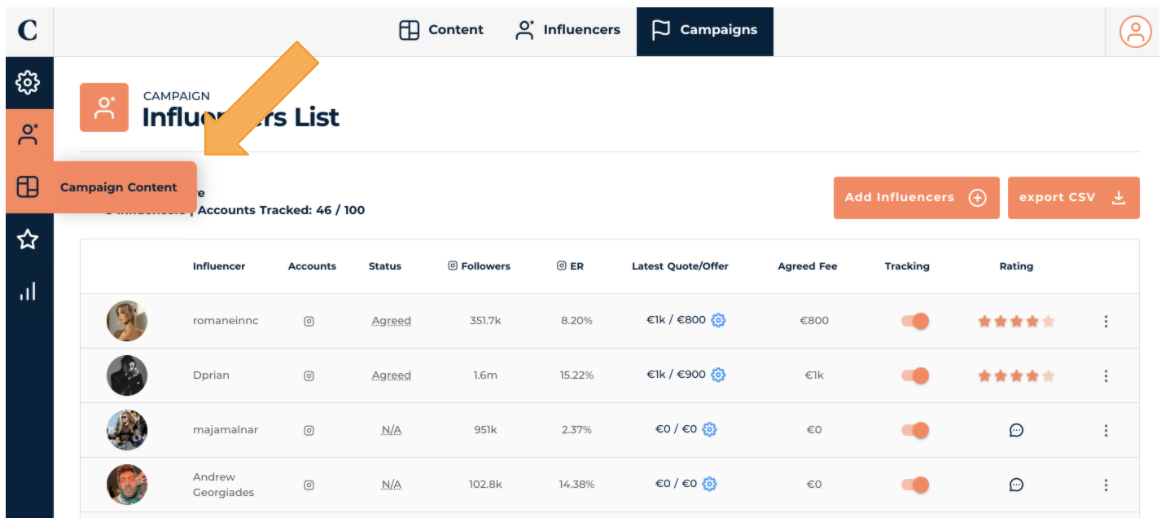
- Go to your Campaign section and select the Campaign you want
To find your campaign content:

2. Click on the Campaign tab
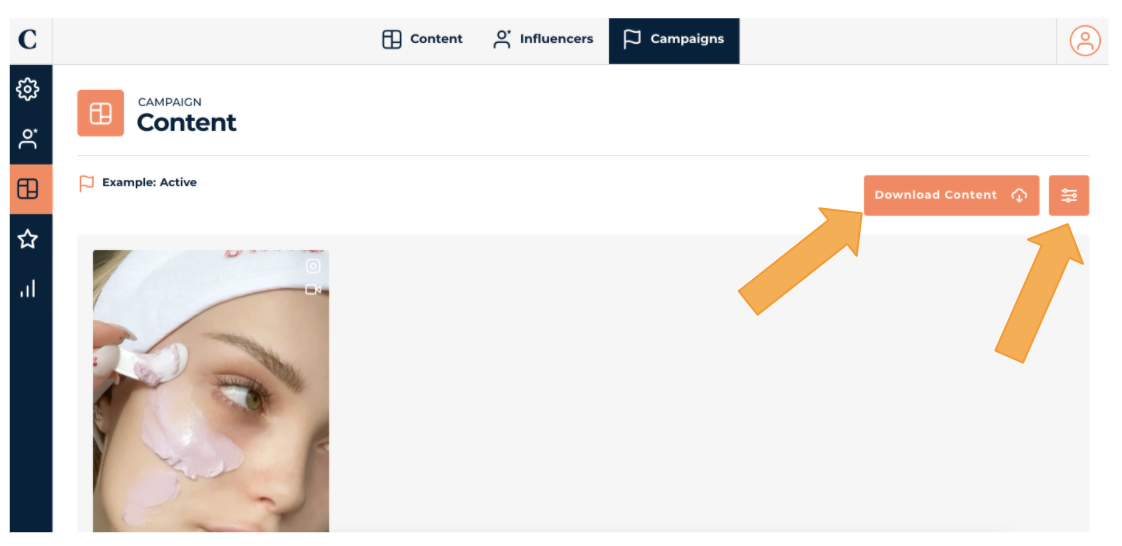
3. Voila! You can scroll through the images – stories and and main feed. In this page, you can also Download Content and filter content Influencers, etc.
If you want more information on each piece of content, simply click on them and you will see the information related to the post. Below is a story and a main feed – a story will have less details than a main feed as main feed posts have more publicly available statistics. To remove a post from the campaign, simply click Remove Post
